#83 Local and open models 5.7 min
Context Length vs Memory: Why Local LLMs Slow Down
Reading a 2,542 token prompt took my laptop 155 seconds.
Try other context sizes in the formula
Copy the code folder first. This needs Ollama with llama3.2 to be running, but it does not generate any text. In kv.py change the list of token counts in the for loop to (4096, 16384, 65536) and run python kv.py. Predict the three figures first, using 112 KiB per token. For the video's model you should see 0.44 GiB, 1.75 GiB and 7.00 GiB. Then change the list back to (2048, 8192, 32768, longest), because the next task needs the 8192 line.
A hint
Multiply the number of tokens by 112 KiB, then divide by 1024 twice to reach GiB.
Work out the cache for a different model
On paper, use the video's formula for an imaginary model with 32 layers, 8 key and value heads, a head size of 128 and 2 bytes per number. Work out the cache cost of one token in KiB, then the cache for 8192 tokens in GiB. Then change the three numbers in kv.py for layers, kv_heads and head_size to these values and check your arithmetic. You should get 128 KiB per token and exactly 1 GiB at 8192 tokens.
A hint
The formula multiplies 2 (keys and values), the layers, the key and value heads, the head size and 2 bytes.
Compare your gap with the formula
Predict first: from the formula, the step from a 2048 context to an 8192 context should need about 0.66 GiB more. Then run python memory.py, which loads llama3.2 three times and may take a few minutes. Compare the last line, how much more 8192 costs than 2048, with 0.66. The video measured 4.01 GiB on its laptop, about six times the formula, and could not explain the rest. Does your machine show a similar gap? Your numbers will differ.
A hint
6144 tokens times 112 KiB gives the formula figure.
Predict how reading time grows
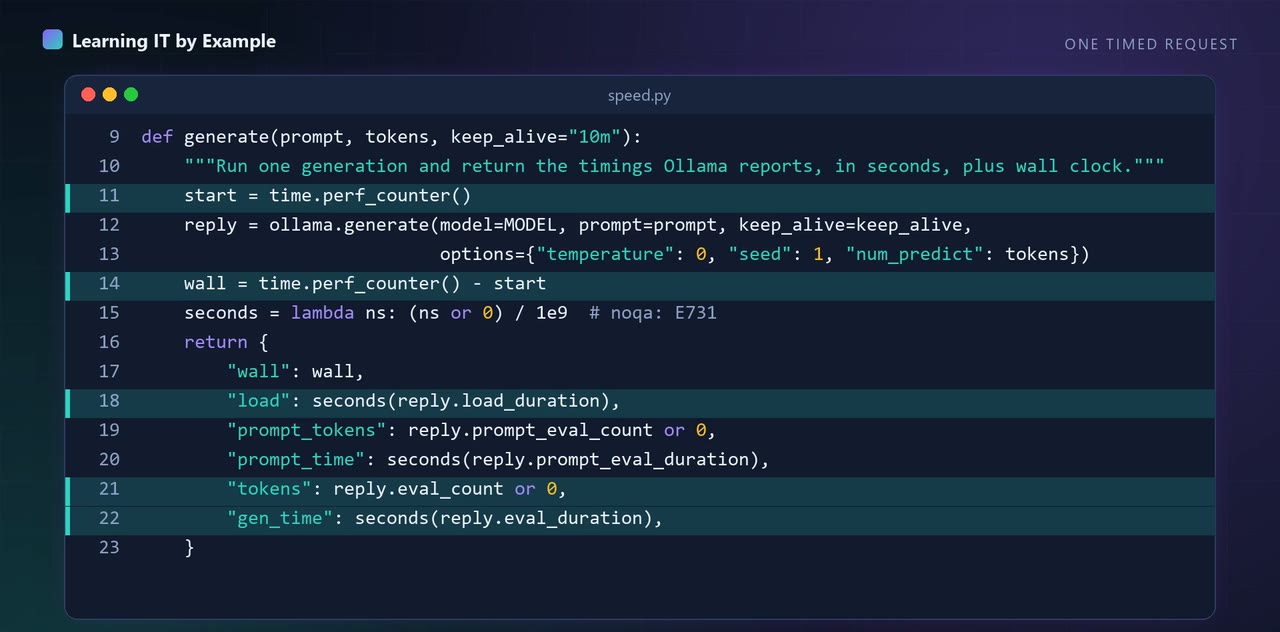
Predict first: on the video's laptop, a prompt of 291 tokens was read in 15.1 seconds. If your machine reads at a steady speed, how long would a prompt of about 540 tokens take? Write your guess, then run python measure.py 250 and python measure.py 500 and compare the read times and tokens a second. Run each length more than once, because the video warns that one run is too few to call a trend.
A hint
Divide the prompt tokens by the read time to get tokens a second, then divide your new prompt size by that speed.
These tasks are for you to try on your own machine. Nothing is checked or saved.
What this does not show
One CPU-only laptop that was also doing other work, one model (llama3.2) and one run per prompt length; the memory figures are what Ollama reports, the gap to my cache formula is unexplained, and no graphics card, smaller cache type or flash attention was tested.
Up next in Local and open models
More in Local and open models
Related videos
- #87 Local LLM Speed: Measure Tokens per Second Honestly Local and open models
- #59 Stream LLM Replies in Python: First Word in 0.2s LLM engineering and evals
- #01 Local AI Agent in Python: No API Key (Ollama) AI agents and MCP
- #05 Structured Outputs in Python: Valid JSON Is Not Correct JSON LLM engineering and evals